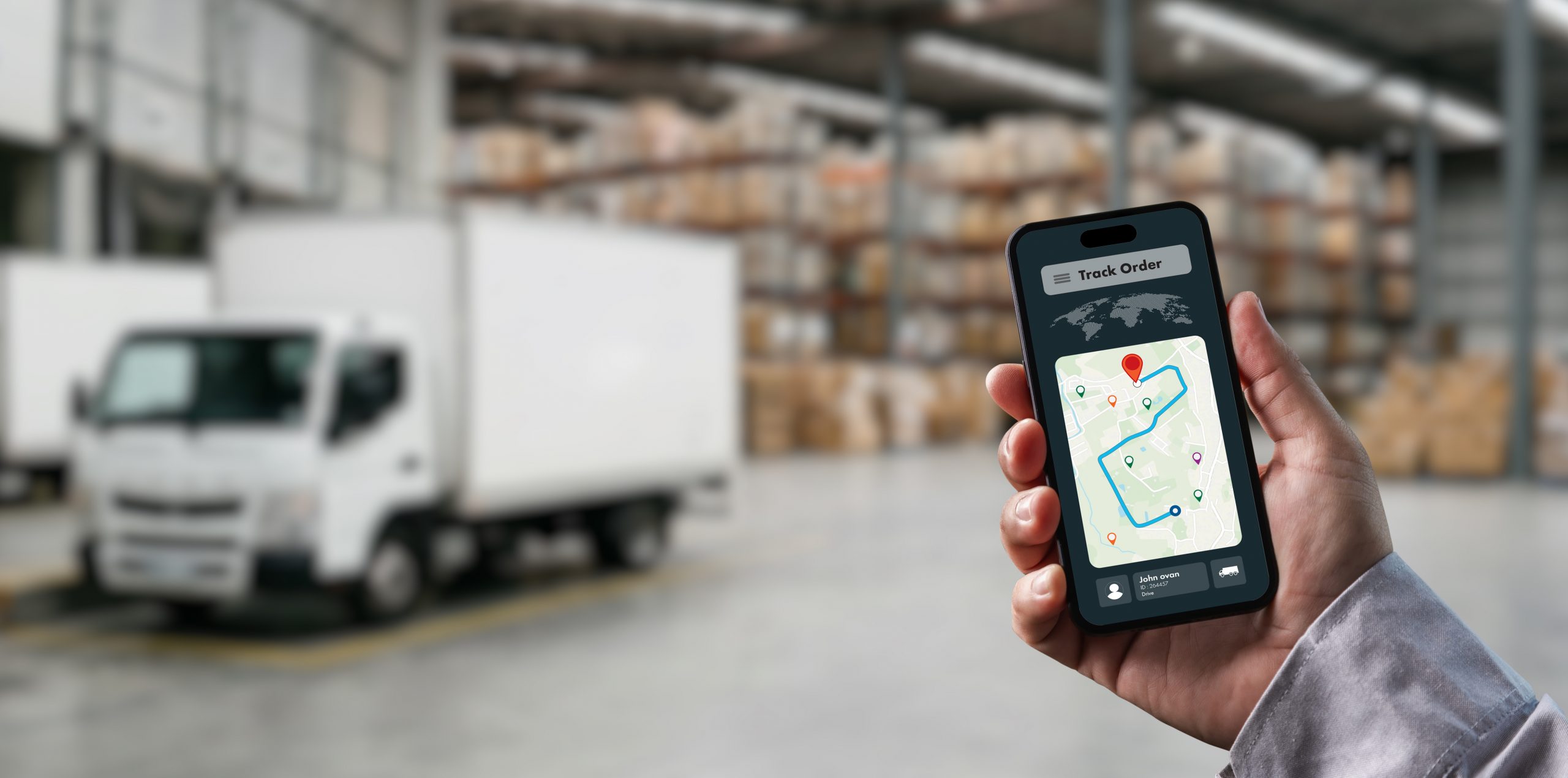
If you’ve ever refreshed a tracking page five times in an hour hoping the status will magically change, you’re not alone. Terms like “Label Generated,” “In Transit,” or the ever-mysterious “Shipment Exception” show up constantly, but carriers rarely explain what they mean in plain English.
We combed through carrier documentation and dug into real questions people ask on Reddit and other forums to figure out which terms cause the most confusion and put together an exhaustive glossary so you never have to wonder again. If you are looking to track your ShippingChimp packages, click here to track.
The Shipment Tracking Terms People Ask About Most
Before the full list, here are the statuses that generate the most “wait, what does this mean?” posts online:
“Label Created” / “Label Generated” is by far the most-discussed status. It simply means a shipping label has been printed and a tracking number exists but the carrier hasn’t physically received the package yet. People often see this sit unchanged for days and assume something’s wrong, when in reality the seller just hasn’t dropped it off yet, or the first scan was missed.
“In Transit to Next Facility” is another frequent source of anxiety, especially when it doesn’t update for several days. It just means the package is moving between sorting hubs and simply hasn’t hit a scanner yet scan gaps are normal, not a sign of loss.
“Shipment Exception” sounds alarming but is usually minor. It means something unexpected weather, a customs hold, an address issue, a missed delivery attempt has paused the normal flow. It rarely means a package is lost; it usually resolves within a day or two once the underlying issue clears.
“Out for Delivery” raises questions when a package doesn’t arrive the same day. This status means the parcel is on a delivery vehicle and scheduled to arrive that day, but routes can shift, so occasionally it rolls over to the next day.
“Delivered” (but nothing there) is a common source of frustration, since drivers sometimes leave packages in less obvious spots (porches, mailrooms, side doors) before the status updates.
With that context, here’s the full glossary, organized by where a shipment typically sits in its journey.
1. Pre-Shipment / Label Stage
- Label Created / Label Generated – A shipping label and tracking number have been generated, but the carrier hasn’t received the physical package yet.
- Pre-Transit – Synonym for the label stage; the shipment hasn’t received its first scan.
- Awaiting Item / Awaiting Package – The carrier is expecting the package but hasn’t picked it up or received a drop-off yet.
- Shipment Information Received – The carrier has received electronic details about the shipment ahead of the physical handoff.
- Pickup Scheduled – A courier pickup has been booked with the sender.
- Pickup Requested – The sender has asked for a pickup, but the carrier hasn’t confirmed a time yet.
2. Pickup and Origin Scan
- Picked Up – The carrier has physically collected the package from the sender.
- Accepted – The carrier has taken possession of the package (common USPS term).
- Origin Scan – The first scan recorded at the shipper’s local facility.
- Received by Origin Hub – The package has arrived at the first sorting facility.
- Processed at Origin Facility – The package has been sorted and prepped for onward movement.
3. In-Transit Stage
- In Transit – The general, most common status meaning the package is moving through the carrier’s network.
- In Transit to Next Facility – The package is en route between two sorting hubs.
- Departed Facility / Shipment Left the Facility – The package has left a particular sorting center.
- Arrived at Facility / Arrived at Sort Facility – The package has reached a hub and will be processed further.
- In Transit, Arriving Late – The carrier expects a delay to the original delivery estimate.
- On the Way – A simplified, customer-friendly version of “in transit.”
- Missent / Misrouted – The package was accidentally sent to the wrong facility and is being redirected.
- Arrived at Destination City / Arrived at Local Facility – The package has reached the city or hub nearest the final delivery address.
- Departed from Transit Airport / Arrived at Transit Airport – Used for air freight movements between international hubs.
4. Customs and International Shipping
- Customs Clearance or In Customs – The package is being processed by customs authorities in the destination country.
- Customs Clearance in Progress – Documentation and duties are being reviewed.
- Held by Customs – The package is on hold, often pending duty payment or paperwork.
- Released by Customs – Customs has approved the shipment to continue.
- Duties/Taxes Required – The recipient needs to pay import charges before delivery can proceed.
5. Delivery Stage
- Out for Delivery – The package is loaded on a vehicle and expected to be delivered that day.
- Delivery Attempted – The driver tried to deliver but could not (no one home, access issue, etc.).
- Delivery Attempt Failed – Synonym for the above; sometimes includes a reason code.
- Held for Pickup – The package is available at a local depot or locker for the recipient to collect.
- Rescheduled – A new delivery attempt has been scheduled after a failed one.
- Delivered – The package has been handed off, left at the address, or signed for.
- Delivered to Agent / Delivered to Neighbor – Someone other than the recipient accepted the package.
- Signature on File / Proof of Delivery (POD) – Confirmation, often with a signature or photo, that delivery occurred.
6. Problems and Exceptions
- Shipment Exception – A general catch-all for anything disrupting the normal delivery timeline (weather, damage, incorrect address, etc.).
- Delivery Exception – Same idea, specifically at the final delivery stage.
- Address Correction Needed / Invalid Address – The address provided couldn’t be validated or matched.
- Damaged in Transit – The package was found damaged during handling.
- Lost in Transit – The carrier has been unable to locate the package after an extended period.
- Return to Sender (RTS) – The package is being sent back to the original shipper, often after repeated failed delivery attempts or an unresolved customs issue.
- Refused by Recipient – The intended recipient declined to accept the package.
- Held at Carrier Facility – The package is paused at a facility, often awaiting recipient action.
- On Hold – Movement has paused, generally pending some resolution (payment, address, customs, etc.).
7. Miscellaneous / Carrier-Specific Terms
- Tracking Number Not Found – The number hasn’t been activated in the carrier’s system yet, usually because it’s too early after label creation.
- Estimated Delivery Date (EDD) – The carrier’s best guess at when the package will arrive; not a guarantee.
- Final Mile / Last Mile Delivery – The last leg of the journey, from the local depot to the recipient’s door.
- Cross-Docked – The package moved from one truck to another at a facility without being placed in storage.
- Sorted – The package has passed through automated sorting equipment at a facility.
- Manifested – The shipment has been included in a carrier’s official pickup/delivery manifest for a batch of packages.
The Takeaway
Most tracking terms sound scarier than they are. “Label Created” doesn’t mean anything’s wrong it just hasn’t started yet. “Exception” doesn’t mean lost it means delayed. And a gap in movement is often just a missed scan, not a missing package.
If you’re a business trying to cut down on “where’s my package?” support tickets, the fix isn’t just faster shipping it’s clearer communication about what these statuses actually mean. That’s exactly the kind of visibility ShippingChimp is built to provide: real-time, plain-language tracking updates that keep customers informed (and support tickets down) at every stage of the journey.

- The Complete Glossary of Shipment Tracking Terms - July 8, 2026
- Does DHL Deliver on Weekends in Canada? - June 23, 2026
- Does UPS Deliver on Weekends in Canada? - June 11, 2026